See SafeOps at work
Short walkthroughs recorded in the real product. Pick a task and watch it done, start to finish.
 Length 8 minutes 26 seconds
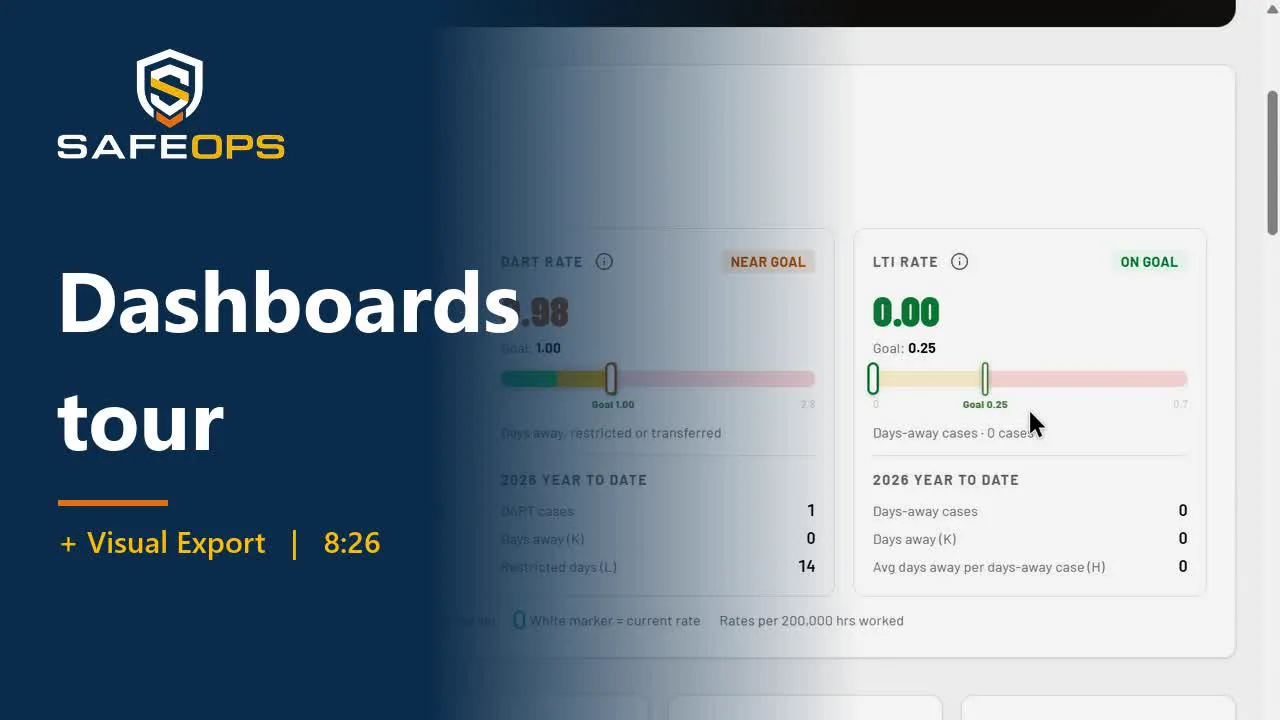
Dashboards
Dashboards tour and Visual Export
Every dashboard in the portal, then turning them into a one-page visual report for leadership.
 Length 9 minutes 44 seconds
Reporting
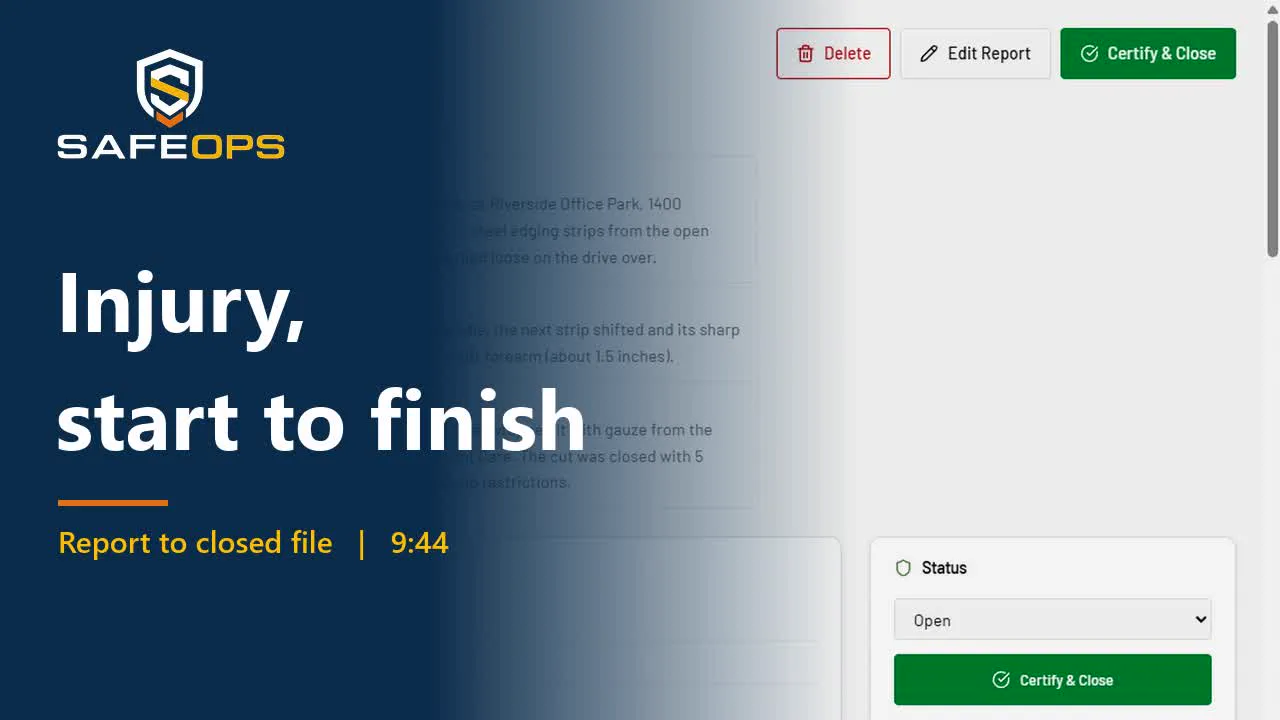
Report an injury, start to finish
One injury from the field app report to a closed case, including the OSHA recordable decision.
 Length 4 minutes 42 seconds
Reporting
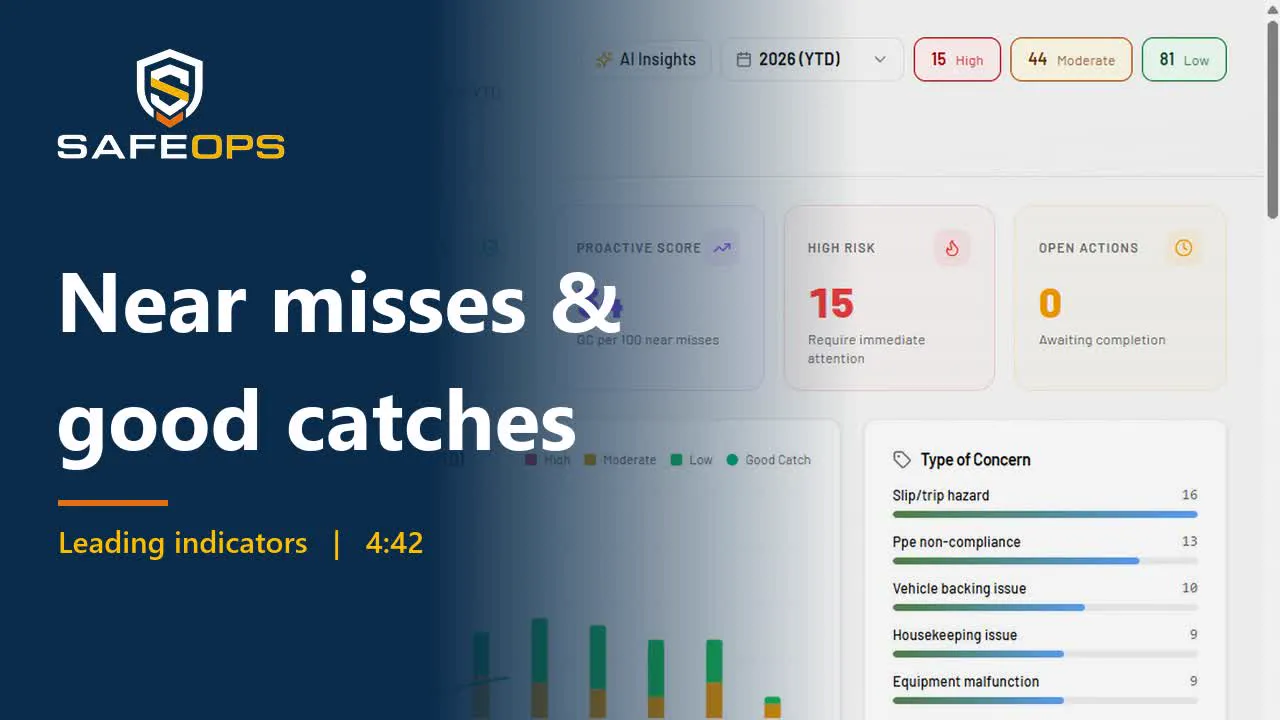
Near misses and good catches
How crews log near misses and good catches, and how those leading indicators show up for managers.
 Length 5 minutes 57 seconds
Reporting
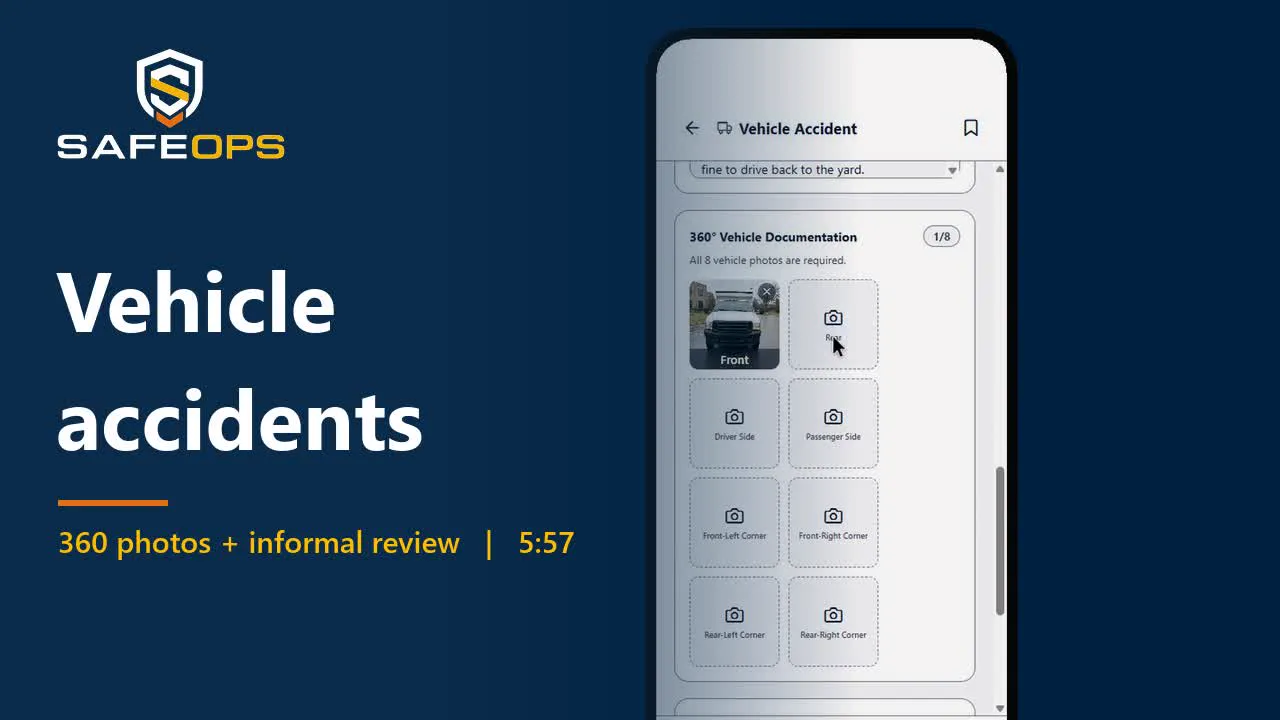
Report a vehicle accident and review it
A vehicle accident reported from the field, then an informal review to find the cause and the fix.
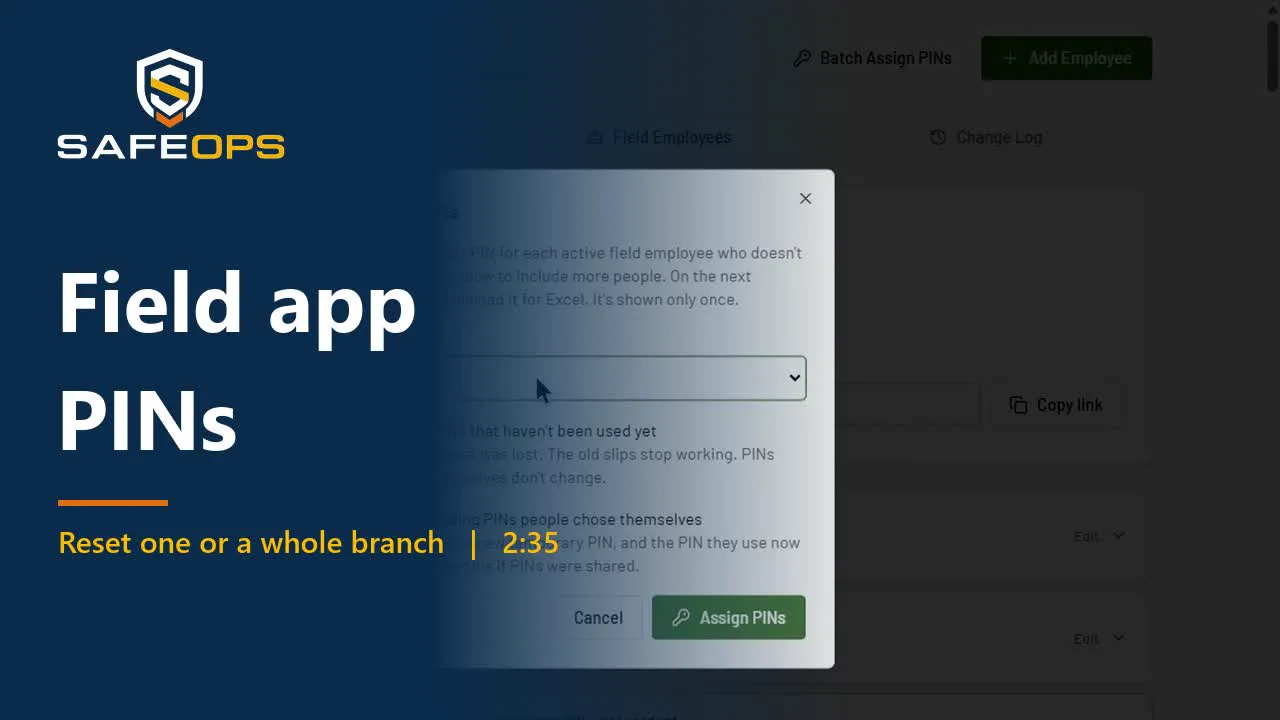 Length 2 minutes 35 seconds
Setup
Set field app PINs and reset them in a batch
Give a field user a PIN, then reset PINs for a whole crew at once and print the sheet.
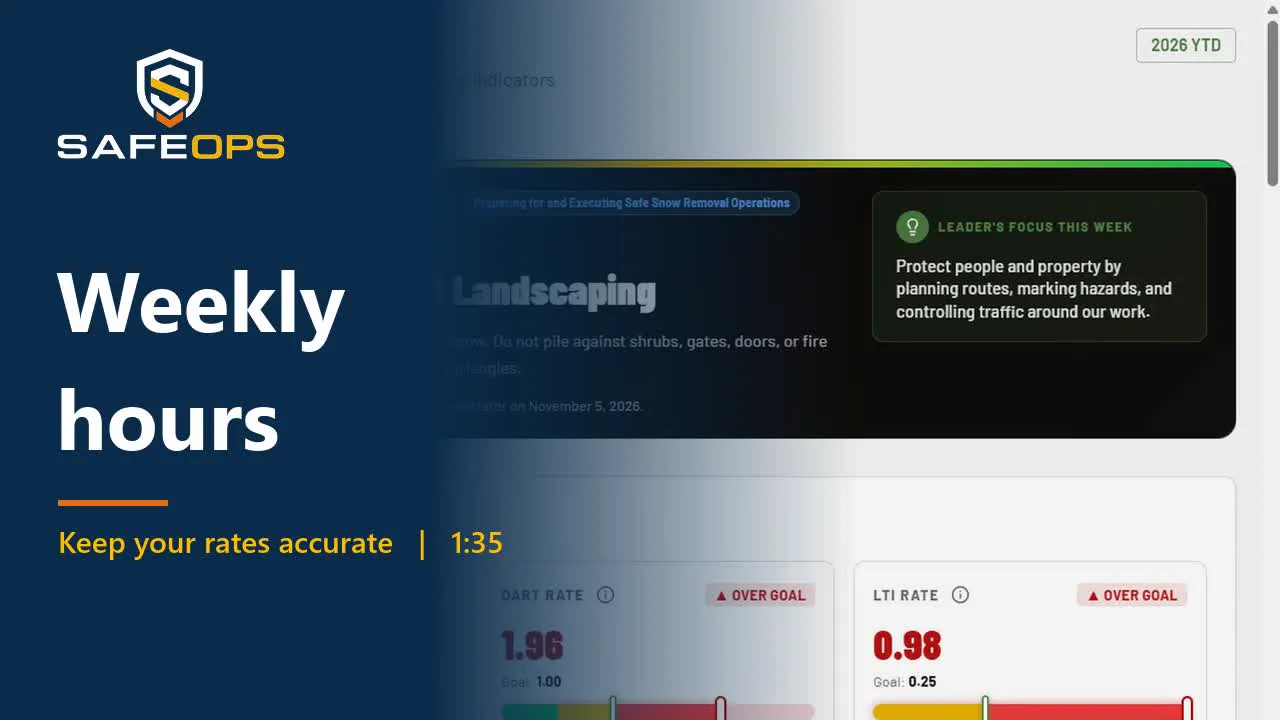 Length 1 minute 35 seconds
Setup
Report weekly hours worked
Enter a branch's weekly hours so incident rates use real hours, not estimates.
Want to see it on your own operation?
30 minutes, live, set up for operations like yours. No slide deck.
Book a Demo