Reporting 5:57
Report a vehicle accident and review it
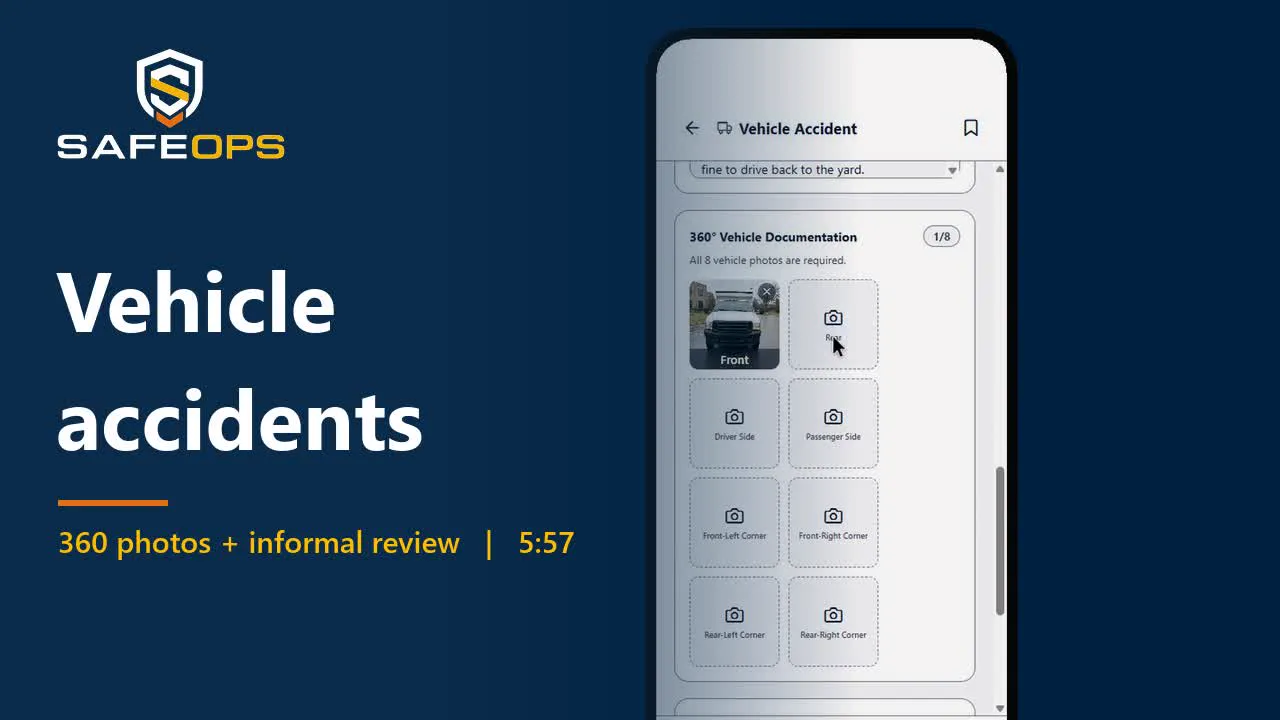
Recorded in SafeOps with a fictional demo company. Nothing loads from YouTube until you press play.
Watch on YouTube (opens in a new tab)About this video
This starts with a driver reporting a backing accident from the SafeOps Field app, including the 360° vehicle photos. Then the safety team picks it up in the portal: witness statements, an informal review, corrective actions, and closing the file. The video ends on the full report.
See SafeOps on your own operation.
30 minutes. Live demo. No slide deck. We'll show you the actual platform, set up for operations like yours.
Book a DemoMore videos
 Length 9 minutes 44 seconds
Reporting
Report an injury, start to finish
One injury from the field app report to a closed case, including the OSHA recordable decision.
 Length 4 minutes 42 seconds
Reporting
Near misses and good catches
How crews log near misses and good catches, and how those leading indicators show up for managers.
 Length 8 minutes 26 seconds
Dashboards
Dashboards tour and Visual Export
Every dashboard in the portal, then turning them into a one-page visual report for leadership.