Setup 2:35
Set field app PINs and reset them in a batch
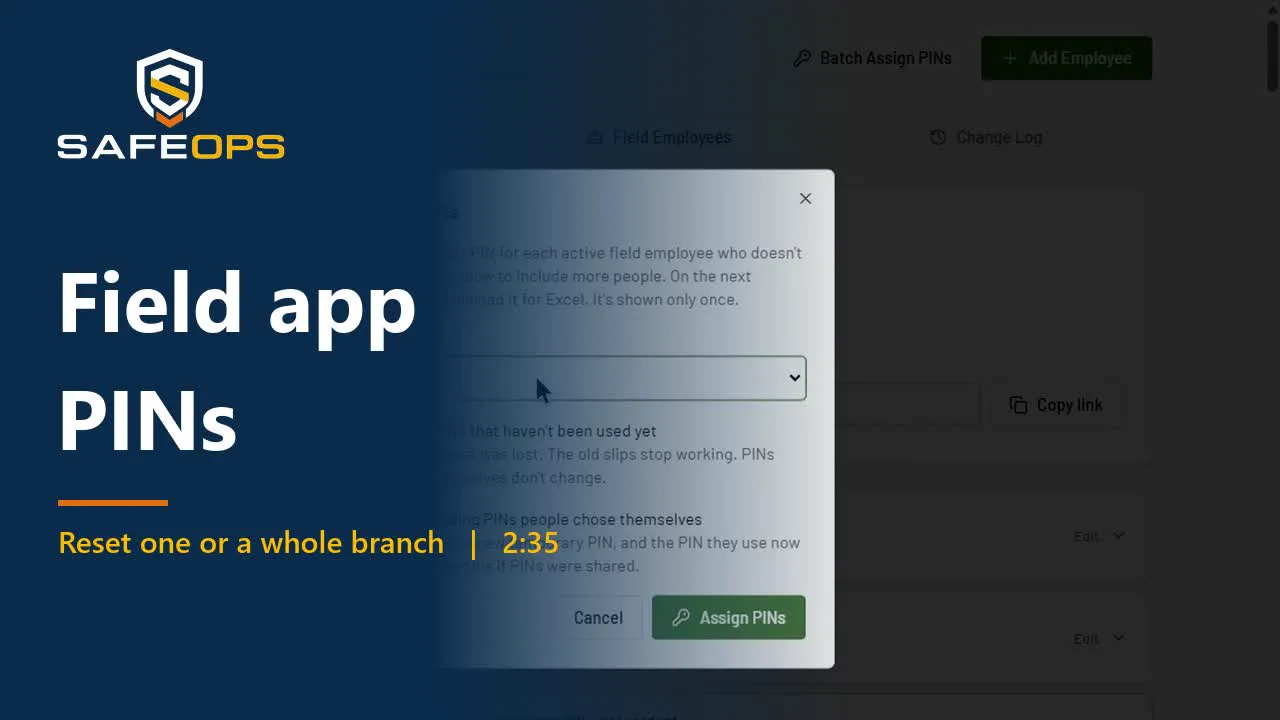
Recorded in SafeOps with a fictional demo company. Nothing loads from YouTube until you press play.
Watch on YouTube (opens in a new tab)About this video
This is the admin job of getting field employees signed in to the SafeOps Field app. You'll see a new temporary PIN set for one person, then PINs assigned to a whole branch at once. The batch can be downloaded for Excel and printed as a slip for each person.
See SafeOps on your own operation.
30 minutes. Live demo. No slide deck. We'll show you the actual platform, set up for operations like yours.
Book a DemoMore videos
 Length 1 minute 35 seconds
Setup
Report weekly hours worked
Enter a branch's weekly hours so incident rates use real hours, not estimates.
 Length 8 minutes 26 seconds
Dashboards
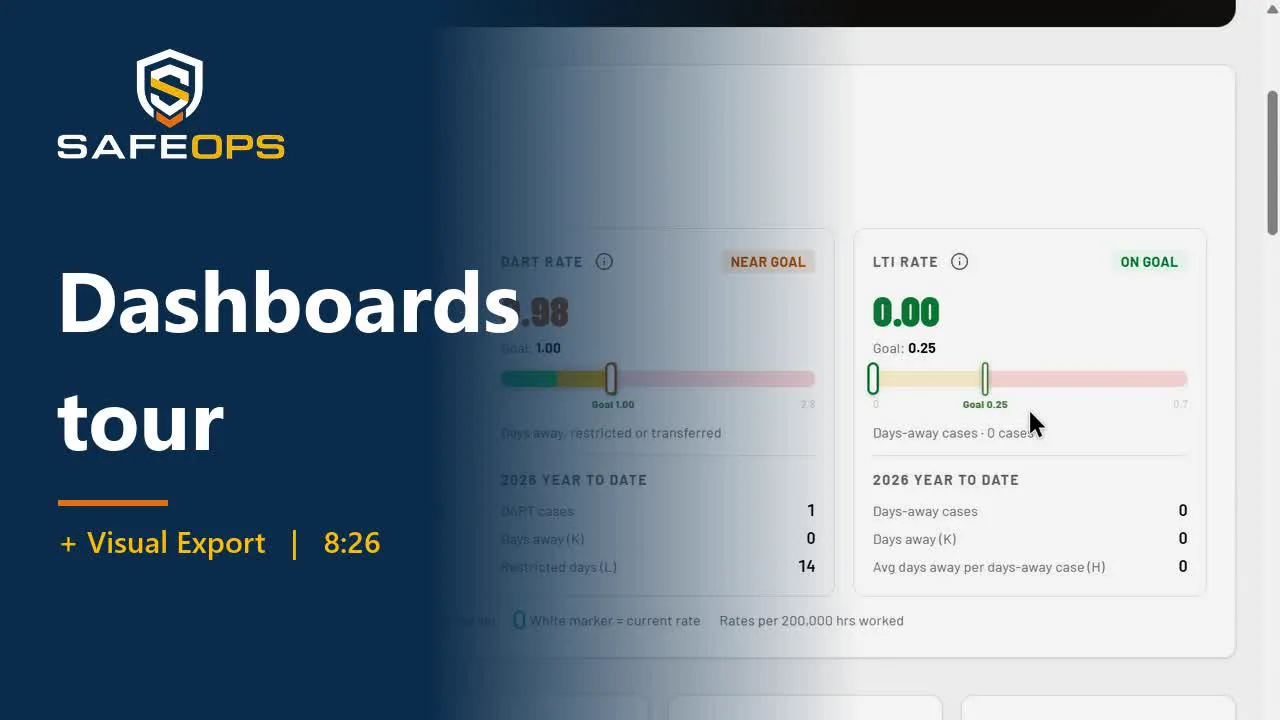
Dashboards tour and Visual Export
Every dashboard in the portal, then turning them into a one-page visual report for leadership.
 Length 9 minutes 44 seconds
Reporting
Report an injury, start to finish
One injury from the field app report to a closed case, including the OSHA recordable decision.